midjourney5/9/2026•6 min read
How to Create DreamWorks Animation Style Images with Midjourney
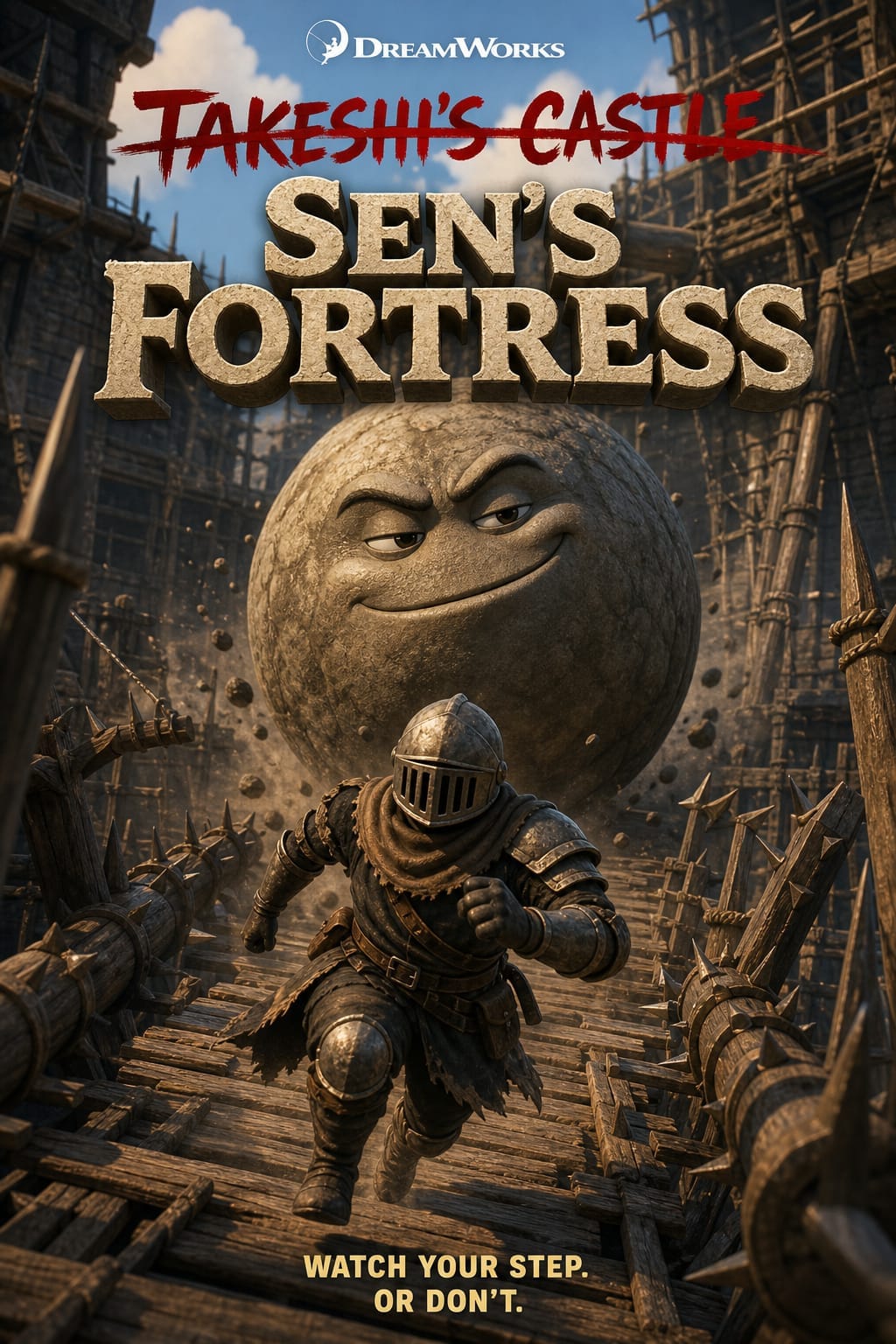
3D animation styles like DreamWorks or Pixar are incredibly popular with high commercial value. Here's how to recreate them with Midjourney.
1. DreamWorks Style
DreamWorks animated movie poster style, [character description],
vibrant colors, cinematic lighting, 3D render, professional animation studio quality,
official movie poster composition --ar 2:3 --v 6
2. Pixar Style
Pixar is known for characters with large expressive eyes:
Pixar animated movie character, [description], expressive large eyes,
warm color palette, subsurface scattering, render farm quality,
wholesome and emotional --v 6
3. Studio Ghibli Style
4. Creating Complete Movie Posters
animated movie poster, title "[Movie Name]" at top in bold font,
[main character] in heroic pose, epic background,
DreamWorks/Pixar quality, official studio release --ar 2:3